
Vellora Studio AIPrivate professional intelligenceFour studios · One memory layer

Vellora Studio AI

A private studio for work that depends on people.

Your work deserves a studiothat remembers.

Vellora turns the client and audience context you approve into studio-specific memory, drafts, follow-ups, and safeguards—without taking control away from you.

Human-approved memoryNothing sends automaticallyNo card to begin
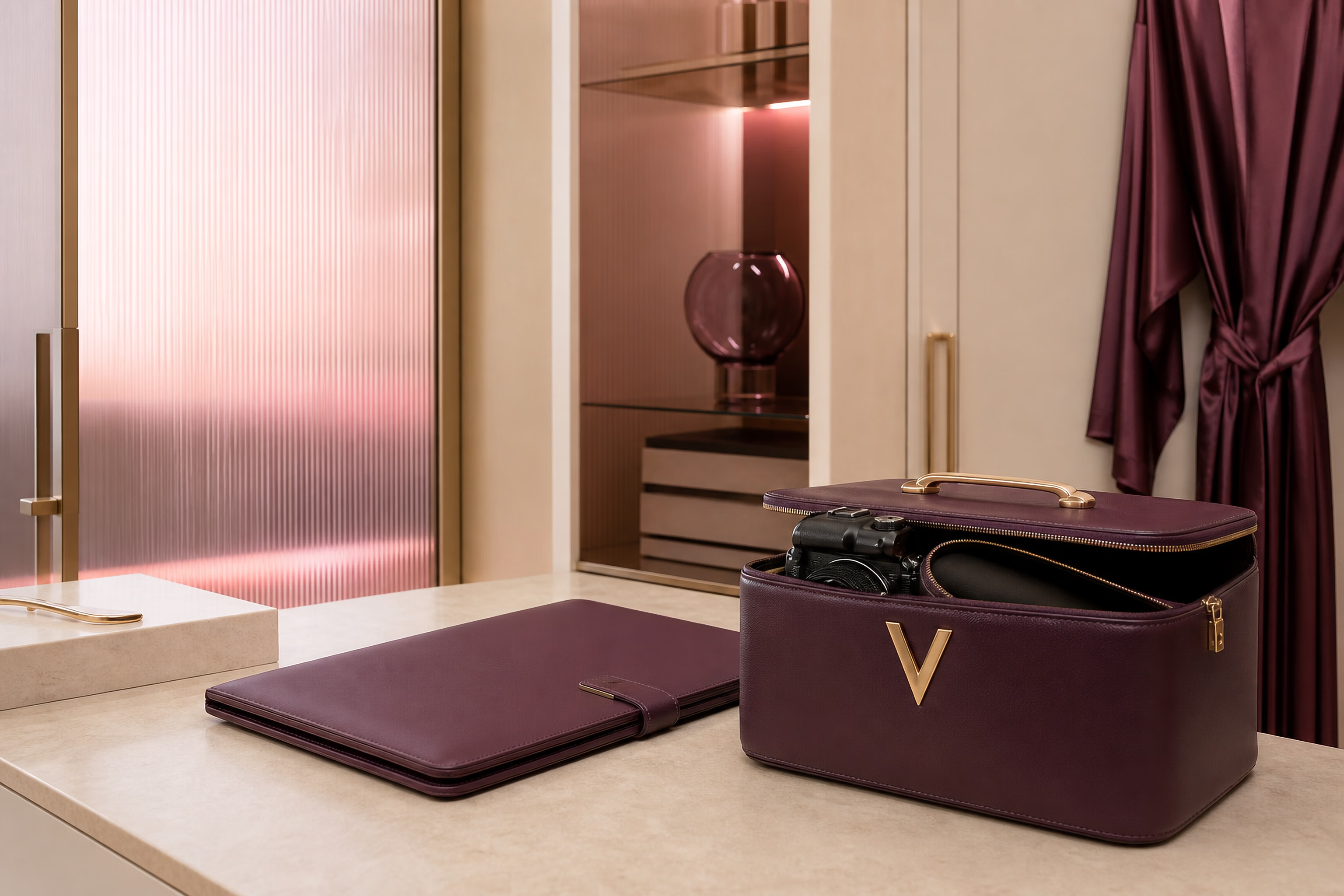
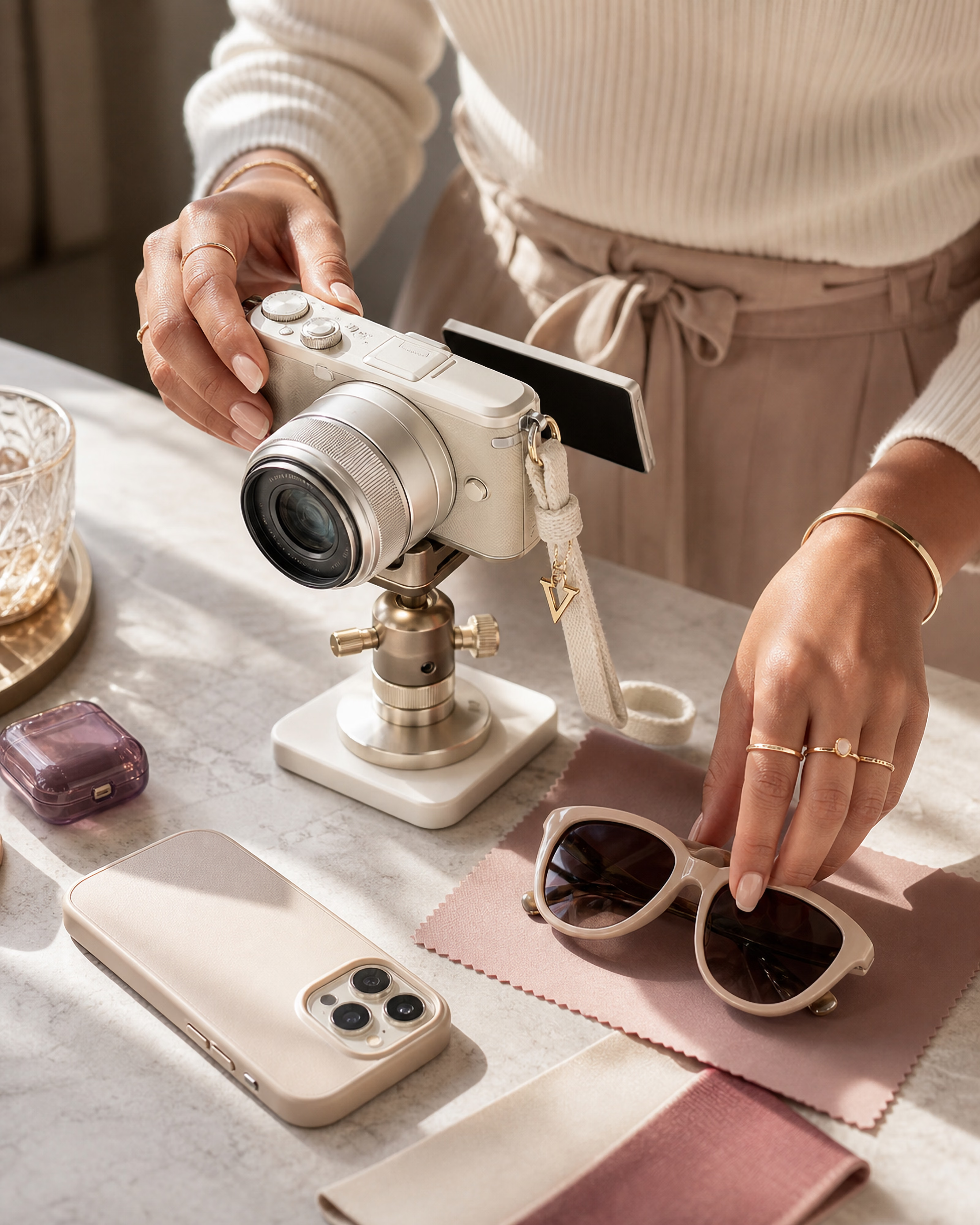
A bright Vellora Creator Studio with a compact camera, phone rig, styling rail, curved mirror, and gold V emblem.

Studio environment 01

Creator Studio

Private

From signal to next move

The full picture stays with you.

NoticeApproveRememberMove
Professional memory, shaped to your studioVellora / 01—04

The professional workspace collection

Vellora Studio AI · 01—04

Vellora, shaped around the way you work.

One private Vellora workspace with four professional modes. The language, signals, safeguards, and next moves adapt without changing the brand or the quality of the experience.

Active intelligence

Audience · Campaigns · Follow-through

Mode 01

Creator relationship intelligence

Private
AudiencePartnershipsCampaigns

Creator Studio

Audience memory, brand operations, launches, and follow-through in one private studio.

For creators managing an audience, personal brand, content, launches, partnerships, and repeat supporters.

Vellora workspace 01Explore

Bounded intelligence

Access · VIP · Consent

Mode 02

Discreet access intelligence

Private
BoundariesAccessVIP context

Adult Creator Studio

Consent-aware context, paid-access boundaries, and private relationship memory.

For 18+ creators managing fan relationships, requests, production, platforms, launches, and sustainable workload.

Vellora workspace 02Explore

Technical intelligence

Formula · Ratio · Developer · Timing

Mode 03

Technical service intelligence

Private
FormulasServicesRebooking

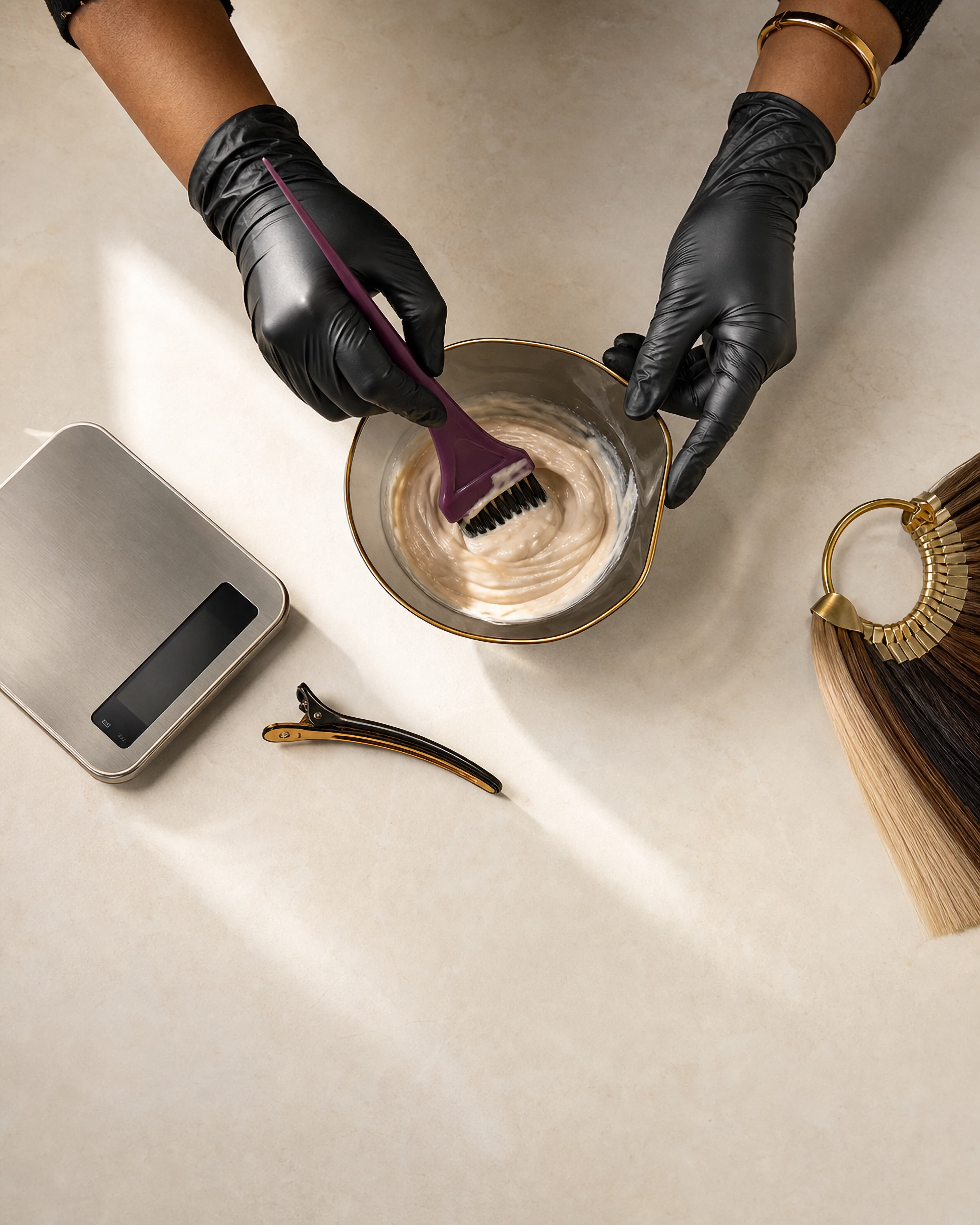
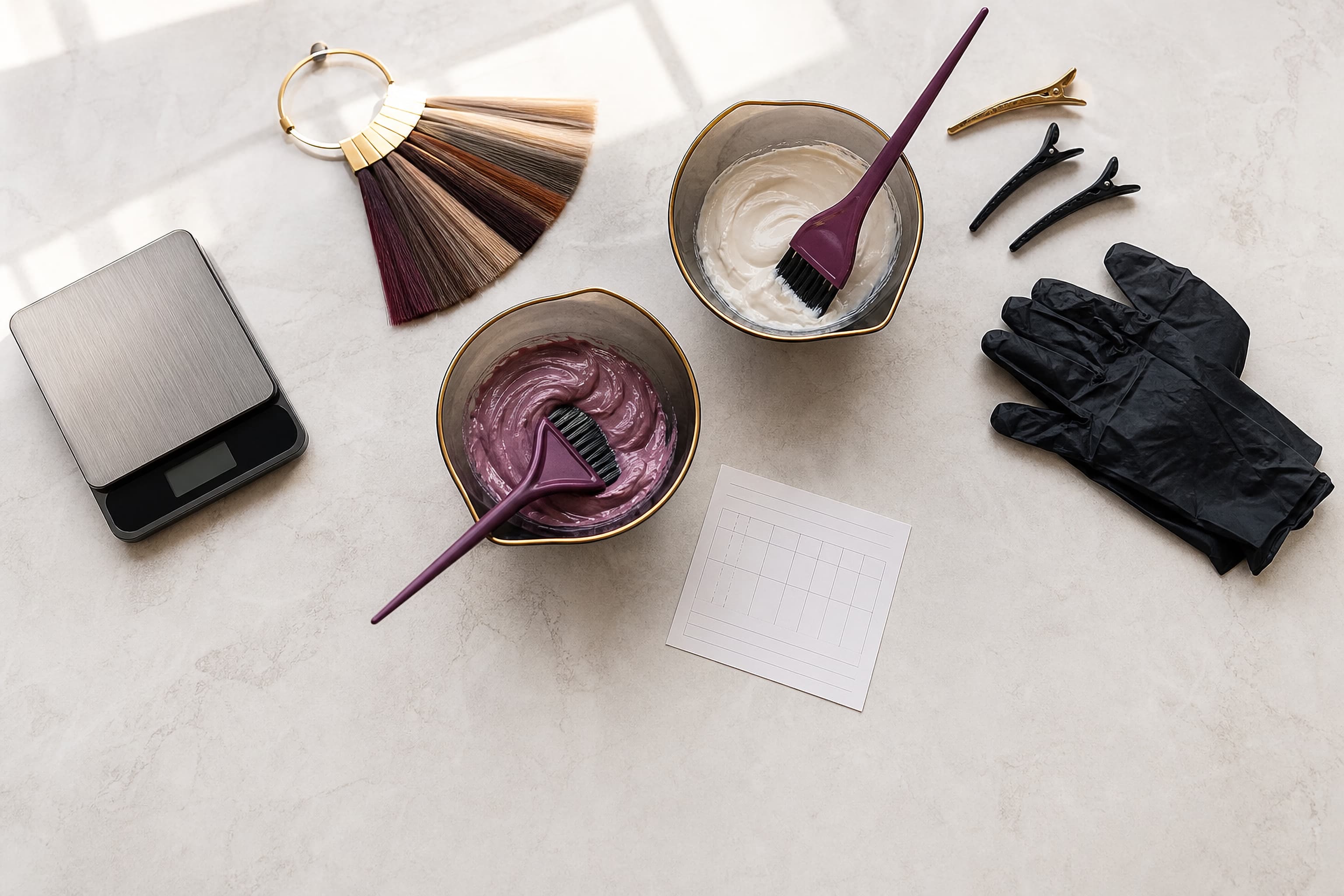
Hairstylist workspace

Exact formulas, service history, sensitivities, aftercare, and rebooking context.

For independent stylists, salon owners, assistants, color specialists, educators, extension specialists, and barbers.

Vellora workspace 03Explore

Performance intelligence

Load · RPE · Recovery · Progress

Mode 04

Performance intelligence

Private
ProgrammingRecoveryProgress

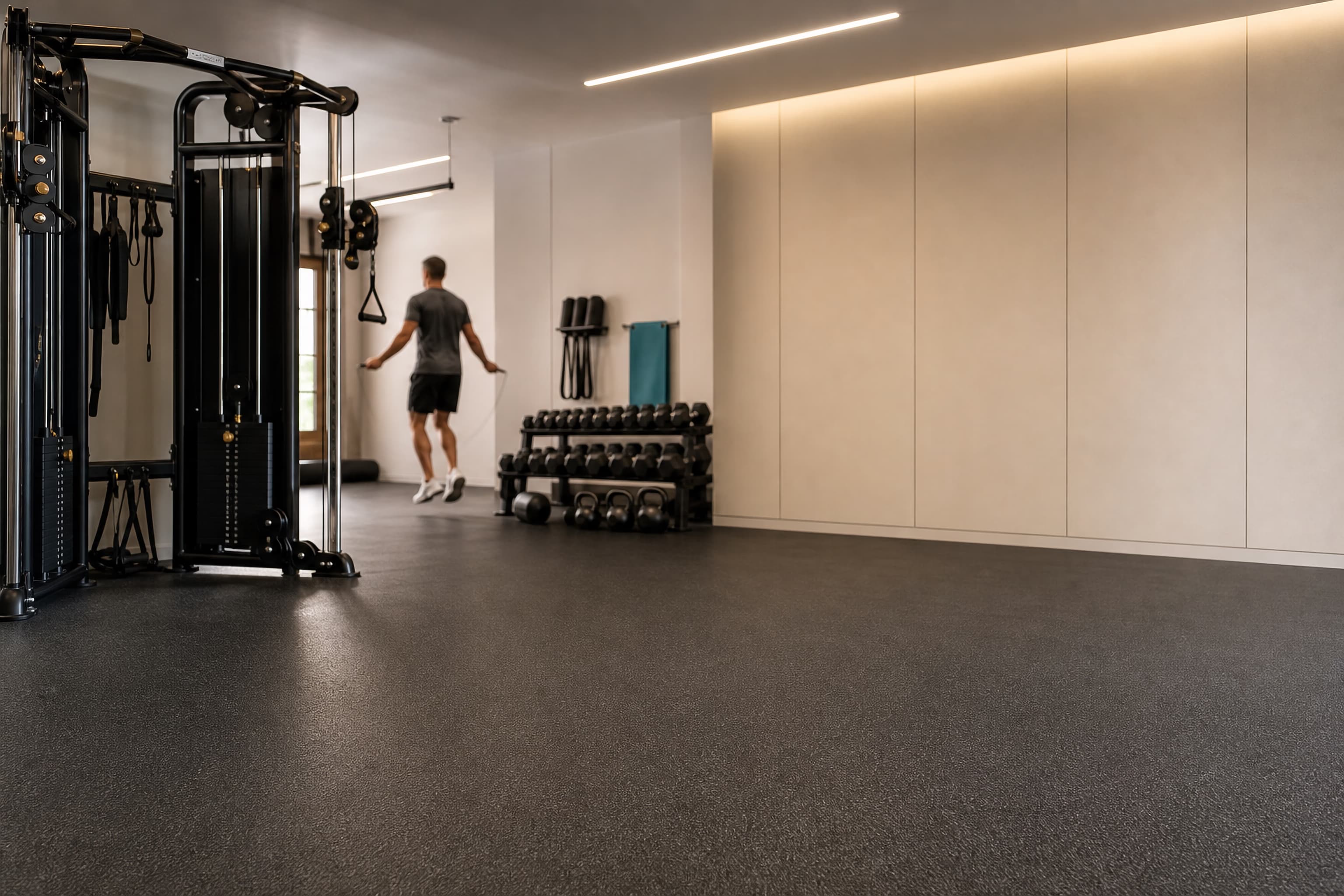
Personal trainer workspace

Goals, programming, equipment, recovery, limitations, and client progress.

For personal trainers, online coaches, fitness coaches, dedicated gym enthusiasts, and serious individual training.

Vellora workspace 04Explore

Create your Vellora account first, then choose the professional mode that shapes your private workspace during setup.

Start free

Living relationship memory

Profile memory becomes clearer drafts, follow-ups, and safeguards.

Vellora does not send messages for you. It turns approved details into private profiles, safer drafts, professional safeguards, and follow-up plans you control.

ProfileApproved memoryReply or draftFollow-upSafeguard

Relationship profile

Maya · Instagram fan

Approved memory follows this profile into drafts, follow-ups, and studio-specific safeguards.

Offer signal

Paid voice notes

Approved memory

Likes morning check-insPrefers being called babeInterested in paid voice notes

Professional safeguard

Keep access warm, clear, and inside the saved offer.

Suggested reply

I remembered what you liked. I’ll send the details when the next voice note opens.

Next step

Follow up in 3 days

Newest context

A six-month supporter purchased a new voice note.

Vellora used

Support history, nickname preference, and saved offer

Human control

Review before saving. Nothing is sent automatically.

See the workflow

See the current Vellora workflow in under a minute.

Choose the workspace dedicated to your account, add a profile, bring in real context, and approve the memory and next step that fit your work.

Choose one professional workspace
Add a fan or client
Paste real context
Review suggested memory
Approve the reply or next step
Vellora walkthrough32 sec

Silent walkthrough of the current website. AI suggests; you approve before anything is saved, sent, or used.

Why memory matters

People remember how you make them feel. Vellora helps you remember why.

Too many conversations, notes, formulas, goals, offers, boundaries, and follow-ups end up scattered across messages, screenshots, notes, and memory. Vellora gives those details a private home so your next reply, service note, or plan starts with context.

Stop losing important details

Give messages, formulas, preferences, limitations, and goals one organized home.

Draft with context

Use approved history instead of rereading every old message before you respond.

Keep boundaries clear

Carry consent, limits, access, sensitivities, and professional cautions forward.

Track offers, services, and programs

Remember what is relevant without forcing every relationship into a sale.

Follow up at the right time

Keep rebooking, check-ins, renewals, and relationship timing visible.

Make people feel remembered

Keep the care personal without carrying every detail in your head.

The Vellora Standard

Intelligence system · 2026

Standards that moveat the speed of the work.

Vellora has the discipline serious work needs and the flexibility modern creators, professionals, and clients expect.

The experience stays clear, responsive, and human. Memory is selective, every studio keeps its own language, and you remain the final decision-maker.

01

Specific by studio

Creator relationships, adult creator boundaries, salon formulas, and training records do not share generic language or interchangeable safeguards.

02

Selective by design

Vellora proposes what may be useful. You decide what is accurate, appropriate, and worthy of becoming approved memory.

03

Current context first

The newest raw interaction outweighs stale assumptions. Saved history adds perspective without overruling what just changed.

04

Human authority intact

Nothing sends automatically. Professional judgment, consent, technical verification, and final approval remain with the person doing the work.

Private relationship intelligenceFour studios · One approval standardVellora Studio AI

How it works

From message to memory, then to a clearer next step.

01

Choose your workspace

Pick the professional mode that matches your work: creator, adult creator, hairstylist, or personal trainer.

02

Add a fan or client

Paste a message, note, formula, check-in, conversation, concern, or follow-up detail.

03

Approve the memory

Vellora suggests what matters. You decide what is saved to the profile.

04

Plan the next step

Use the saved profile to prepare replies, service notes, program updates, boundaries, and follow-up plans.

Shaped to your work

One memory engine. Four ways to work.

The workspace changes the language and safeguards, but the larger promise stays the same: remember people well and keep the next step intentional.

Creator workspace

Fan relationship memory

Remember callbacks, message rhythm, VIP notes, boundaries, and offer-aware next steps.

Adult creator workspace

Discreet, bounded context

Keep approved fan context text-first, consent-aware, paid-access clear, and boundary-safe.

Hairstylist workspace

Service and formula history

Track formulas, services, products, sensitivities, aftercare, and next appointment prep.

Personal trainer workspace

Progress and training context

Remember goals, equipment, sets, reps, limitations, recovery, and check-in context.

Governance standard

Trust is part of the architecture.

Vellora supports professional judgment without taking control away from you. Each studio carries its own language, boundaries, and verification rules into the workspace.

Review the data controls
01

AI suggests; you approve what gets saved or used.

02

Vellora does not send messages automatically.

03

Relationship records stay in your workspace.

04

Your voice and professional judgment stay yours.

05

The adult creator workspace is text-first during launch.

06

Hairstylist formulas must be verified by the stylist.

07

Trainer plans must be reviewed by the trainer.

08

Export your data or request deletion from Settings.

Before you begin

Clear answers, before you add a profile.

Vellora is built for selected context and human review. These are the details most people want to understand before choosing a workspace.

What is Vellora Studio?

Vellora is a private, human-approved relationship-memory workspace. It helps creators and client-based professionals organize selected context and prepare more thoughtful replies, service notes, safeguards, and follow-ups.

Does Vellora read my inbox or send messages automatically?

No. You choose what to paste, type, or upload for a supported workflow. Vellora prepares suggestions and drafts, but it does not connect to your inbox or send messages for you.

What gets saved?

You decide what belongs in a fan or client profile. AI output is presented for review, and generated replies are drafts until you choose what to use. Avoid entering unnecessary private contact, payment, medical, or identifying information.

What does private mean here?

Your workspace records are not published publicly and are accessed through your signed-in account. Public session-replay analytics are not loaded inside authenticated workspace routes. Requested AI generations are processed by Vellora's configured service providers to produce the output you ask for.

Which workspace should I choose?

Choose the workspace that matches the relationships you manage: Creator, Adult Creator, Hairstylist, or Personal Trainer. Your selection changes the language, memory categories, professional guidance, and safeguards.

Does free access require a card?

No card is required to begin. Free access includes up to three relationship profiles and five real AI generations. Founding Access is optional and begins only when you complete Stripe checkout.

Feedback and support

Questions, feedback, or something not working?

Vellora is in launch access, so thoughtful feedback matters. Send questions, bug reports, and product notes to the brand support inbox.

support@vellorastudioai.com

Product feedback

Share what felt useful, confusing, missing, or worth improving.

Bug reports

Send the page, studio mode, and what happened so it can be reviewed.

Questions

Ask about launch access, studio setup, or whether Vellora fits your work.

Privacy or safety

Report a privacy concern, unsafe use, or sensitive account issue for review.

Begin free

Bring your relationships into focus with Vellora.

Start free, choose your professional workspace, create your first profiles, and test approved memory, drafts, follow-ups, offers, services, or programs before choosing Founding Access.